Rating Breakdown
Strengths
- + Easy auto-recording setup
- + Good meeting insights dashboard
- + KPI tracking
- + Affordable
Weaknesses
- – Cloud-only
- – Bot recording
- – Limited platform support
- – Basic AI compared to leaders
Our Verdict
A straightforward meeting recorder with good analytics, suited for small teams on a budget.
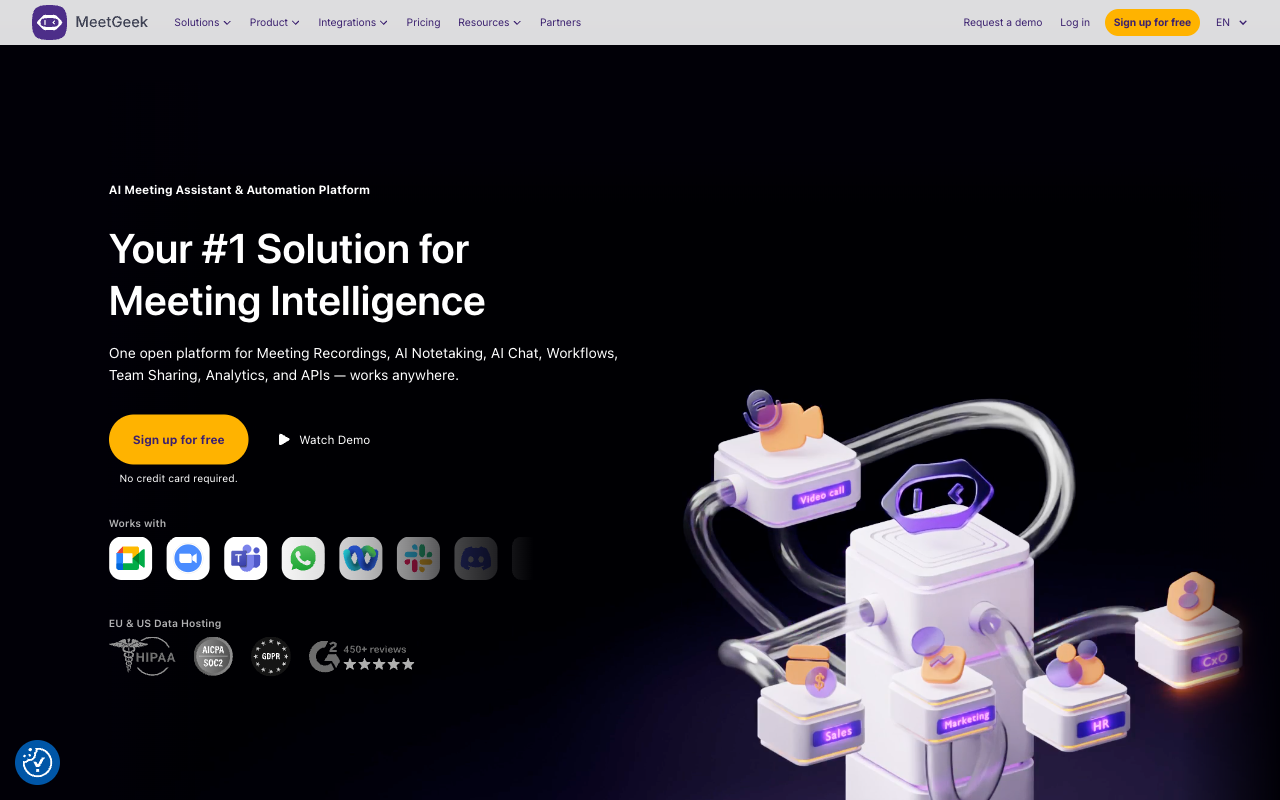
MeetGeek focuses on making meeting recording and summarization as automatic as possible. Once set up, it joins your scheduled meetings without any manual intervention, records the conversation, and delivers AI summaries to your inbox or connected tools. The “set it and forget it” approach is MeetGeek’s primary appeal: you do not need to remember to start recording or tag moments. Everything is captured and processed automatically.
The platform works through a bot that joins Zoom, Google Meet, and Microsoft Teams meetings based on your calendar. After each meeting, MeetGeek generates a summary with key topics, action items, and highlights. The meeting insights dashboard aggregates data across meetings, showing trends in meeting frequency, duration, and topic distribution. For managers tracking how teams spend their time, these analytics provide useful visibility.
MeetGeek has also invested in KPI tracking features that let teams define metrics and track them across meetings. For example, a sales team might track how often competitors are mentioned, or a product team might monitor how frequently specific feature requests come up. This quantitative approach to meeting intelligence adds value for teams that want to extract trends from their collective conversations.
Key Features
MeetGeek’s automatic meeting joining works through calendar integration, requiring no manual activation. The AI generates summaries with key topics, decisions, and action items after each meeting. A meeting insights dashboard aggregates data across all recorded meetings. KPI tracking lets teams define and monitor custom metrics across conversations. The platform supports automated sharing of notes to Slack, email, or connected tools. A searchable meeting library organizes all recordings with transcripts. The Chrome extension provides quick access to meeting history and notes.
Pricing
MeetGeek offers a free plan with 5 hours of transcription per month and basic AI features. The Pro plan at $15 per month per user provides unlimited transcription, full AI summaries, and integrations. The Business plan at $29 per month adds team analytics, KPI tracking, and admin controls. Enterprise pricing includes custom features and dedicated support. The pricing is in the middle range for cloud-based meeting assistants, with the Pro plan offering reasonable value for individual users.
Privacy & Security
MeetGeek processes all meeting recordings through its cloud infrastructure. The platform offers standard security features including data encryption and access controls. Meeting recordings and transcripts are stored on external servers. The bot-based recording approach means all meeting participants are aware of the recording. For teams with moderate sensitivity requirements, MeetGeek’s security is adequate. For organizations handling confidential discussions, the cloud storage of all meeting recordings should be evaluated against data governance policies.
Best For
MeetGeek is a good fit for small to medium teams that want automated meeting recording with basic analytics at a reasonable price. The “set and forget” approach appeals to busy professionals who do not want to manage their recording tool. The KPI tracking features add value for teams looking to extract quantitative insights from meetings. MeetGeek is less appropriate for users who need advanced AI analysis, privacy-focused processing, or support for meetings outside of major video conferencing platforms.
How MeetGeek Compares to Hedy
MeetGeek offers a straightforward, automated meeting recording experience, but it operates in a fundamentally different architectural model from Hedy. MeetGeek sends all audio to the cloud; Hedy processes on-device. MeetGeek requires a bot that visibly joins meetings; Hedy captures audio silently at the system level. MeetGeek is web and Chrome only; Hedy runs on Mac, Windows, iOS, Android, and web. MeetGeek has no offline capability; Hedy works without internet. MeetGeek provides post-meeting summaries; Hedy offers real-time coaching during meetings. MeetGeek’s KPI tracking is a useful feature for trend analysis, but Hedy’s knowledge connection features provide a richer way to link insights across meetings. For teams that want a simple, automated recorder, MeetGeek works. For users who value privacy, cross-platform support, and real-time intelligence, Hedy delivers substantially more.