Rating Breakdown
Strengths
- + Free with Zoom subscription
- + No additional setup
- + Native integration
- + Good platform support
Weaknesses
- – Only works within Zoom
- – Basic AI analysis
- – No cross-platform meeting support
- – Limited to Zoom ecosystem
Our Verdict
Convenient if you live in Zoom, but too limited for teams using multiple meeting platforms.
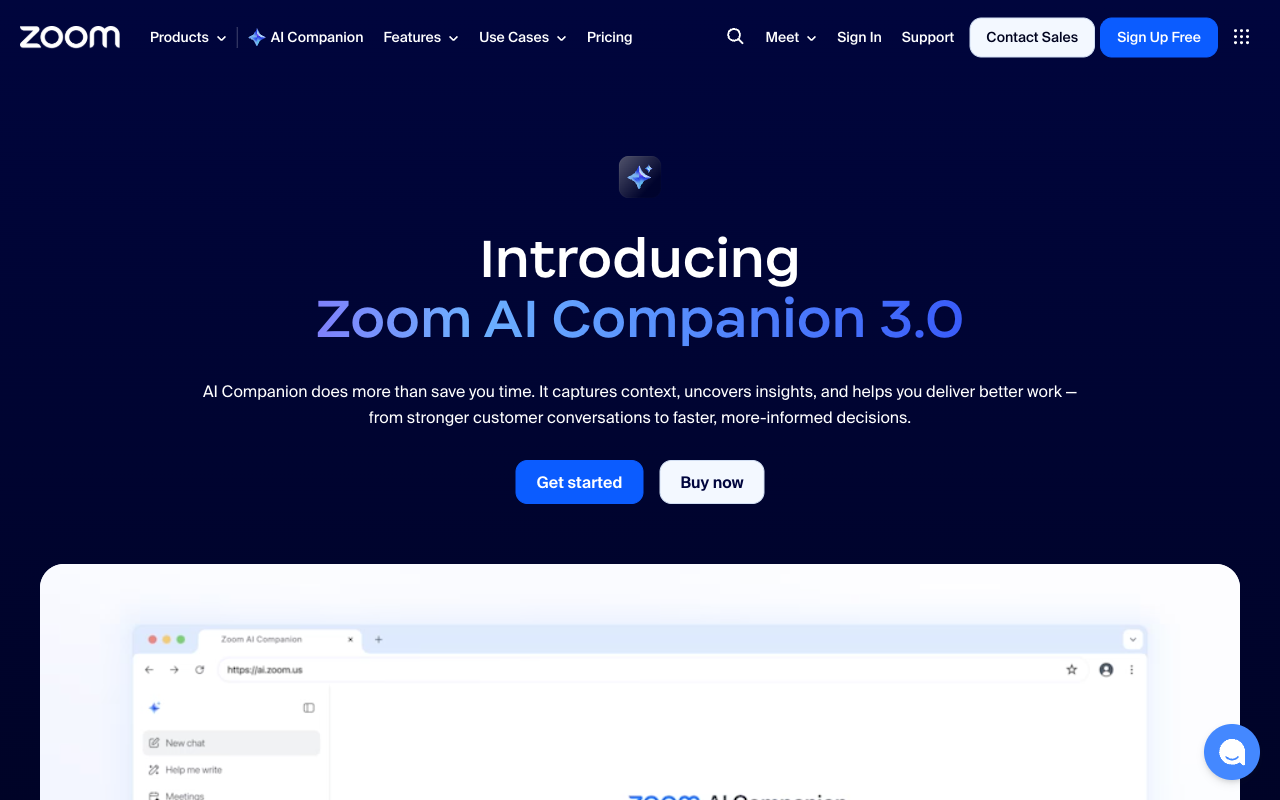
Zoom AI Companion is Zoom’s built-in AI assistant, available at no additional cost to paying Zoom subscribers. It generates meeting summaries, drafts follow-up messages, suggests smart replies in chat, and can answer questions about what was discussed during a meeting. For organizations already committed to the Zoom ecosystem, AI Companion adds genuinely useful intelligence without requiring any additional tools, accounts, or setup.
The appeal is simplicity. There is nothing to install, no bot to configure, and no separate subscription to manage. AI Companion is enabled in your Zoom settings and starts working immediately. Meeting summaries appear after calls, action items are extracted automatically, and the AI can catch up latecomers on what they missed. For organizations where Zoom is the primary communication platform, this frictionless integration is a real advantage.
That said, Zoom AI Companion’s limitations become apparent quickly. It only works within Zoom; if your team also uses Google Meet, Microsoft Teams, or any other meeting platform, AI Companion cannot help. The AI analysis is adequate but basic compared to dedicated meeting assistants. There is no cross-meeting knowledge connection, no coaching features, and no way to use the tool for in-person meetings or phone calls. It is a convenience feature within an existing product rather than a purpose-built meeting intelligence tool.
Key Features
Zoom AI Companion generates post-meeting summaries with key topics and action items. The Smart Compose feature drafts chat messages and email follow-ups. A catch-up feature summarizes what latecomers missed. The AI can answer questions about meeting content in real time. Whiteboard content is summarized automatically. The feature extends beyond meetings to Zoom Chat and Zoom Mail with similar AI assistance. All features are included with paid Zoom plans at no additional cost.
Pricing
Zoom AI Companion is free for all paid Zoom subscribers: Zoom Workplace Pro ($13.33/month), Business ($21.99/month), and Enterprise plans all include it. There is no separate pricing tier for the AI features. This bundled approach makes it effectively free for existing Zoom customers, which is a significant value proposition. But if you are not already paying for Zoom, adopting AI Companion means buying into the full Zoom ecosystem.
Privacy & Security
Zoom processes AI Companion data through its cloud infrastructure. Zoom has stated that it does not use customer content to train its AI models, following significant backlash in 2023 when its terms of service appeared to allow this. The company has updated its policies and provides data handling controls for enterprise administrators. Still, all meeting content is processed on Zoom’s servers, and the AI features require data to flow through Zoom’s AI pipeline. For organizations already trusting Zoom with their meeting content, AI Companion does not introduce significant additional exposure. For organizations with strict data sovereignty requirements, the cloud processing model applies the same concerns as any cloud-based solution.
Best For
Zoom AI Companion is the obvious choice for organizations that exclusively use Zoom for all their meetings and want AI features without adding another tool. IT teams that want to minimize their vendor footprint will appreciate the zero-setup, zero-cost integration. It is not appropriate for organizations that use multiple meeting platforms, teams that need advanced AI analysis or coaching, or anyone who needs meeting intelligence for in-person conversations.
How Zoom AI Companion Compares to Hedy
Zoom AI Companion wins on convenience and price: if you already pay for Zoom, the AI features are free and require no setup. That is a meaningful advantage for organizations prioritizing simplicity. But the limitations are equally significant. Zoom AI Companion only works within Zoom; Hedy works with any meeting platform, phone call, or in-person conversation. Zoom processes everything in the cloud; Hedy processes on-device. Zoom has no offline capability; Hedy works without internet. Zoom provides basic post-meeting summaries; Hedy offers real-time coaching and deep analysis with configurable session types. Zoom’s knowledge connection is limited to its own ecosystem; Hedy connects insights across all your meetings regardless of platform. Zoom AI Companion is a good free bonus for Zoom users. Hedy is a purpose-built meeting intelligence platform that works everywhere your conversations happen.